
Overview
01
Fostering without the guesswork
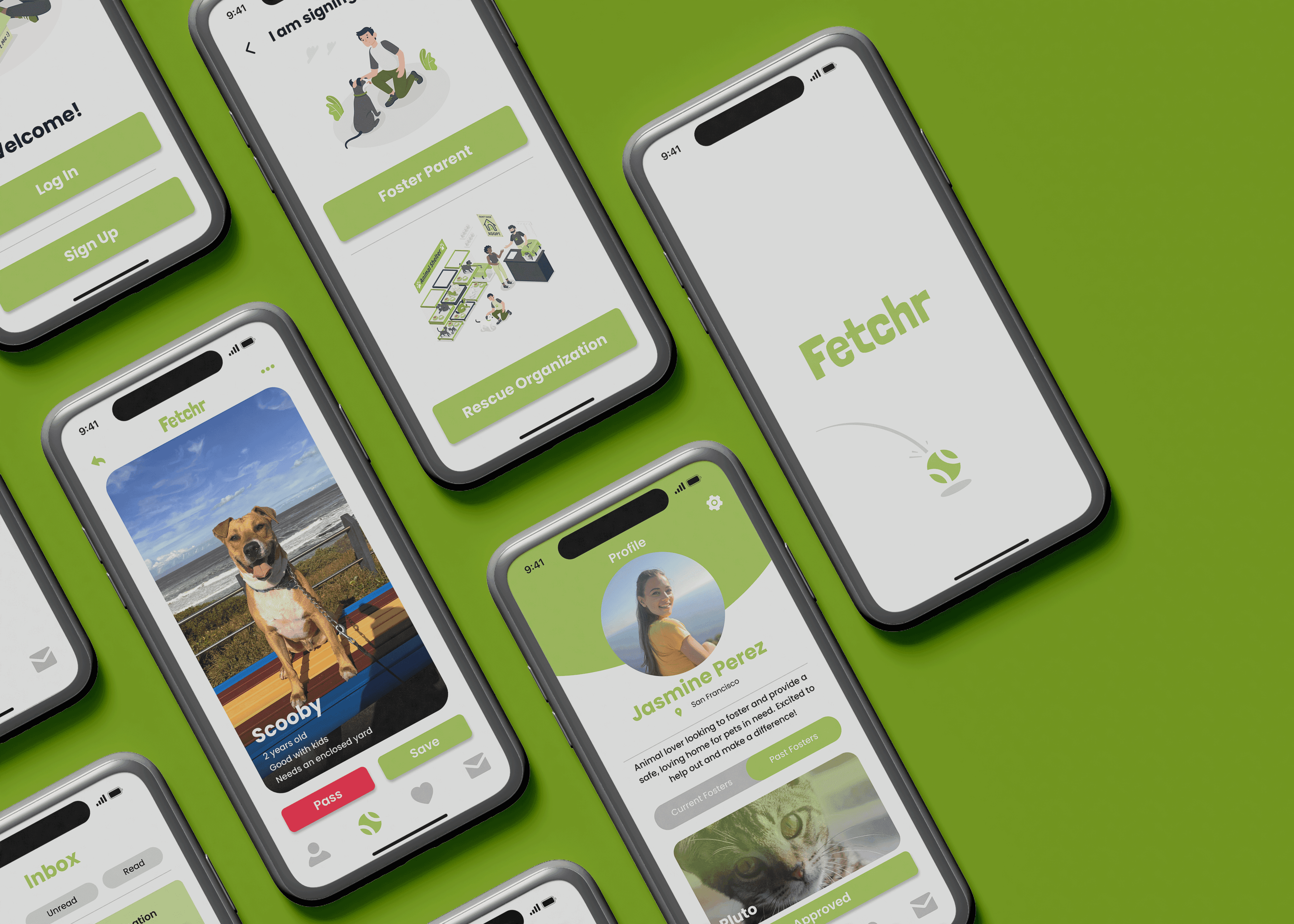
Fetchr is a mobile app designed to make the pet fostering process easier. It connects shelters and rescue organizations with potential fosters, allowing them to browse available pets and express interest in fostering. By providing a simple and efficient way to connect, Fetchr helps shelters create space for more animals while giving foster pets a safe environment to heal, grow, and receive the care they need until they find their forever homes.
My Role
UX/UI Designer & Researcher
Responsibilities
user research and testing, wireframes, prototypes
Duration
6 weeks
Understanding the User
02
User Research
These insights were gathered through a survey of potential fosters and interviews with individuals who have previously fostered pets. The responses highlighted common barriers such as complex application processes and underscored the need for a simpler, more accessible fostering solution.
93% of respondents cited barriers that prevented them from fostering, including complicated application processes, lack of awareness, and uncertainty about responsibilities.
"I would love to foster, but every shelter has a different process, and it’s overwhelming. If there were a simpler way to connect with shelters, I’d definitely do it."
-Anonymous
"I’ve fostered before, and while it’s incredibly rewarding, the process of getting started was more complicated than it needed to be. A simpler process would definitely help get more people involved, and we need the help!"
-Anonymous
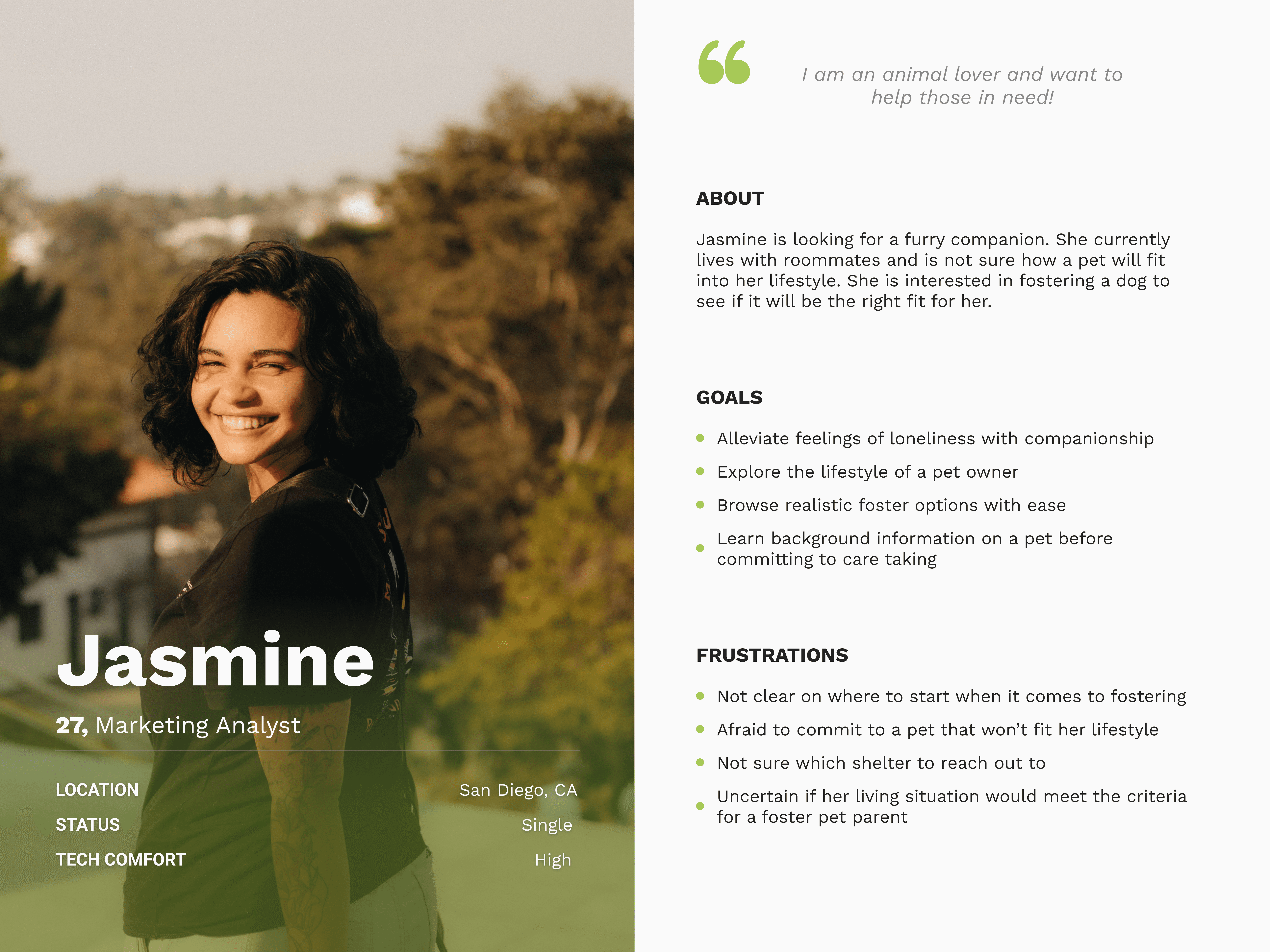
Persona
Problem Statement
Jasmine is a first-time pet owner, who needs a direct and easy process to foster animals from her local shelters because she wants to experience pet ownership without fully committing to a pet.
Starting the Design
03
Wireframe Sketches
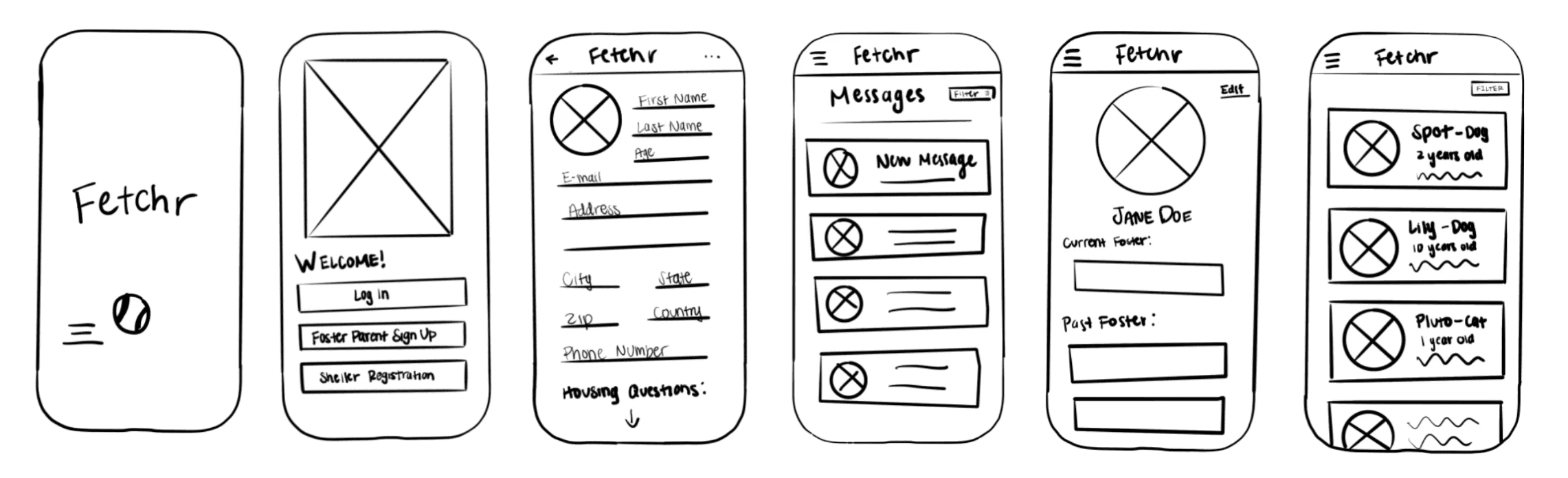
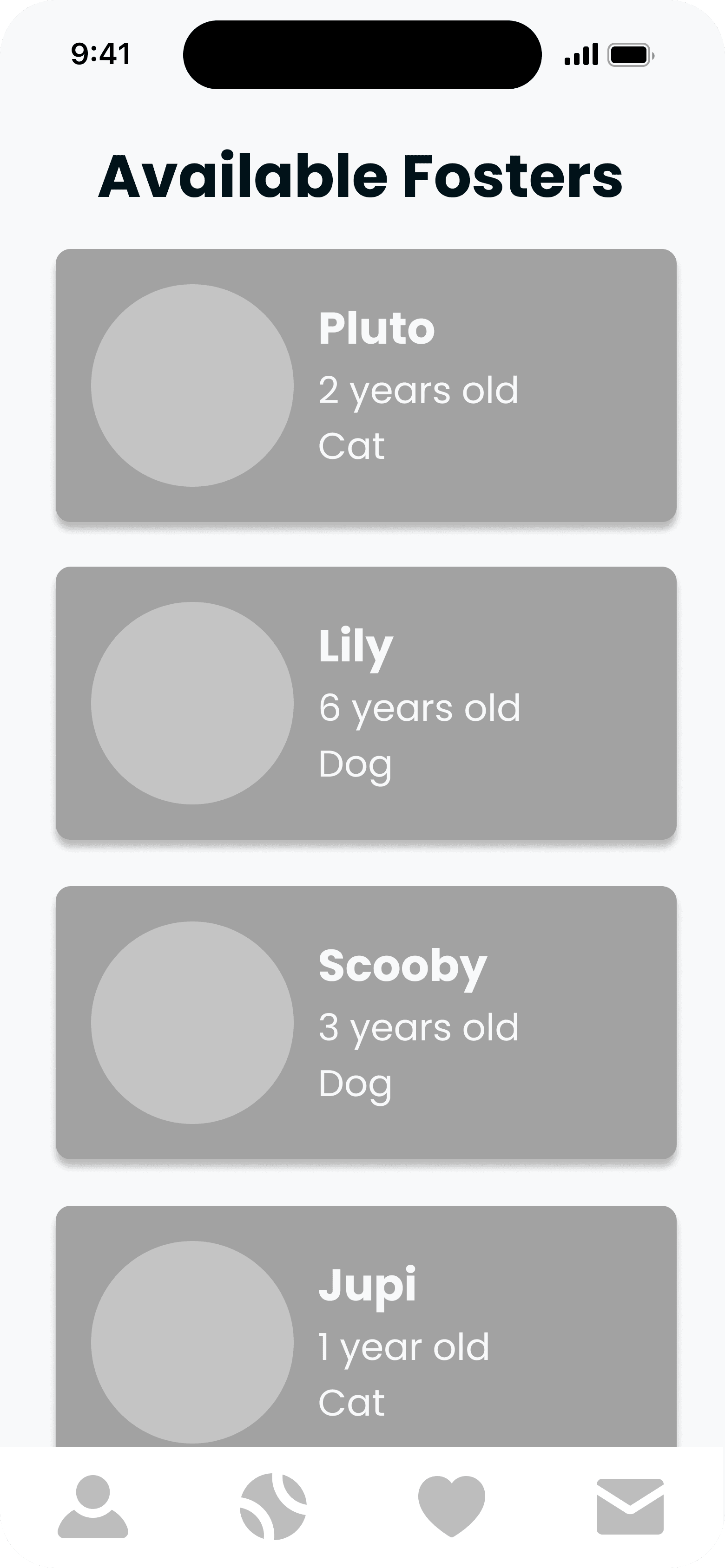
In the initial wireframe sketches, navigation was centered around a hamburger menu. However, after quick usability testing, it became clear that unnecessary pages could be condensed, and the multiple clicks required by the hamburger menu added friction.
As a result, the navigation was streamlined to a more intuitive bottom navigation bar. Additionally, the sketches revealed the need for a simpler onboarding process to better accommodate the initial questions for potential foster guardians, ensuring a smoother and faster start to the fostering journey.
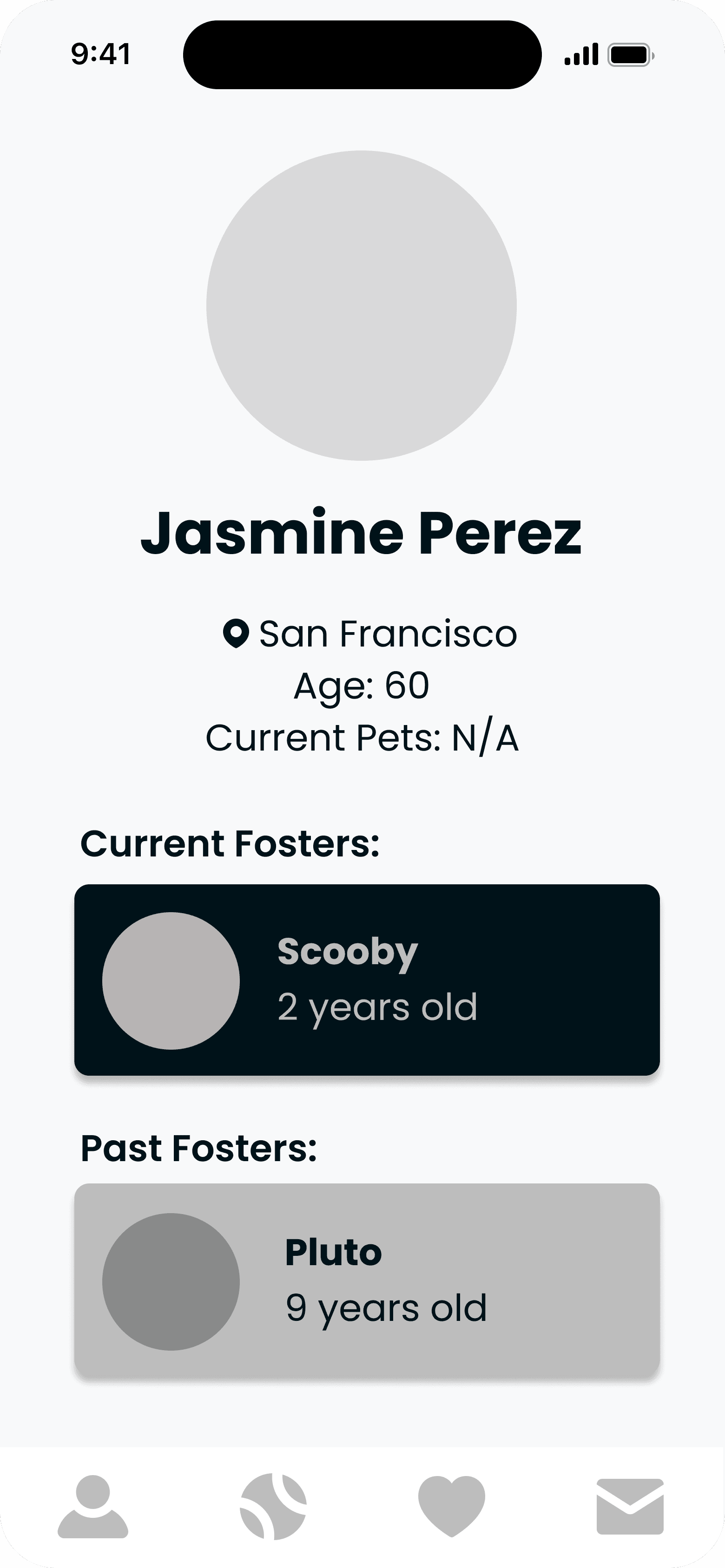
Low-Fidelity
Usability Studies
1
Onboarding needed
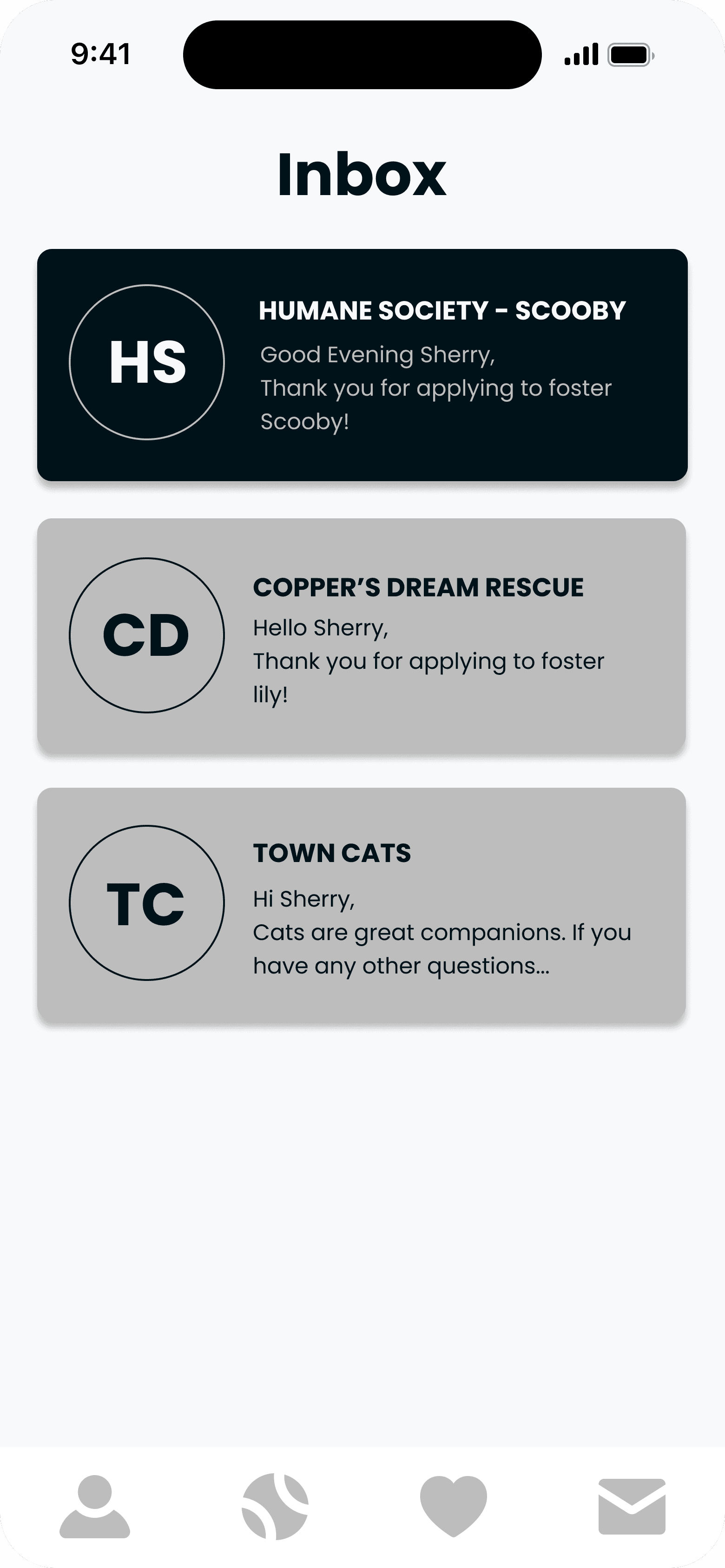
Users wanted guidance when first opening the app, as jumping straight into browsing without context left them uncertain about how the fostering process worked.
2
Endless Scroll
The unpaginated list of available animals felt overwhelming, making it difficult for users to browse meaningfully or keep track of pets they were interested in.
3
More background info needed
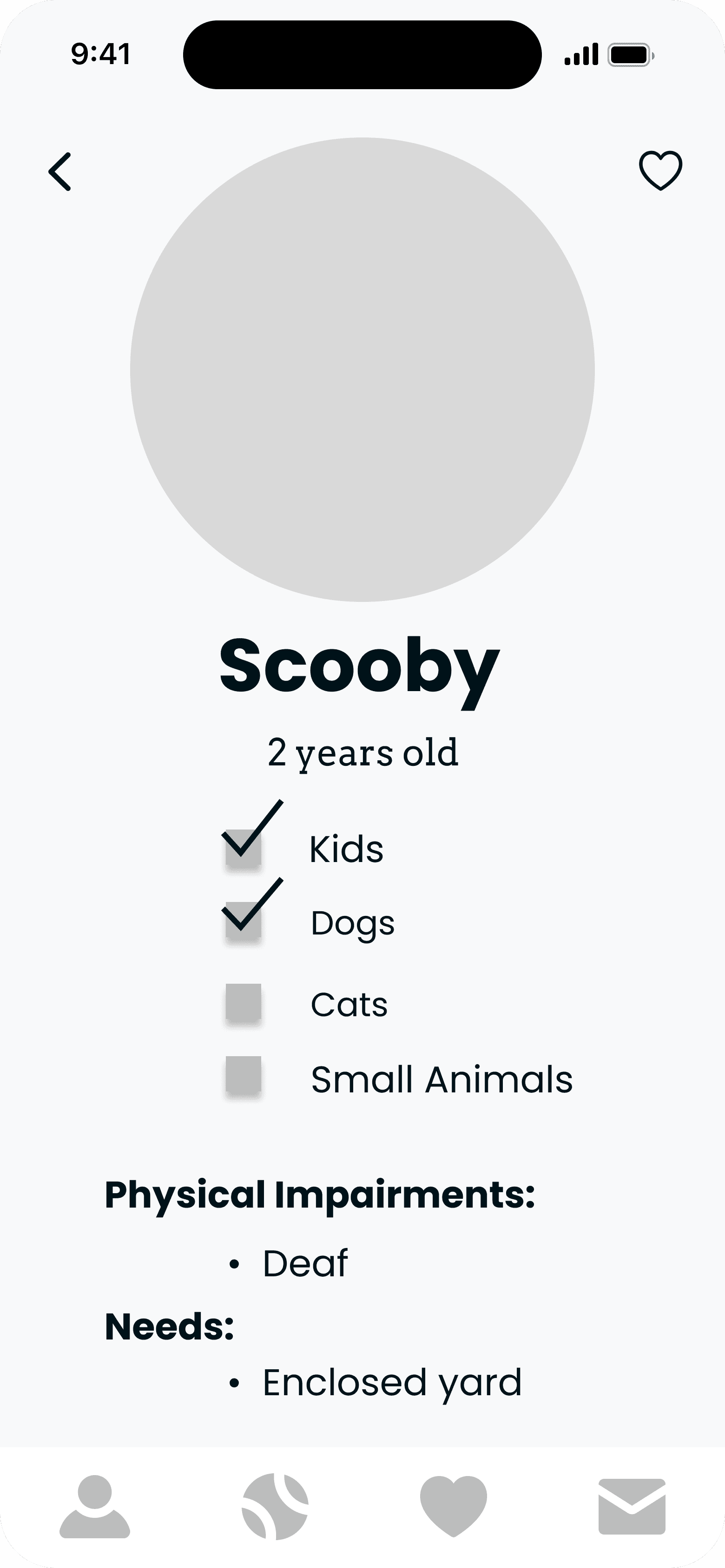
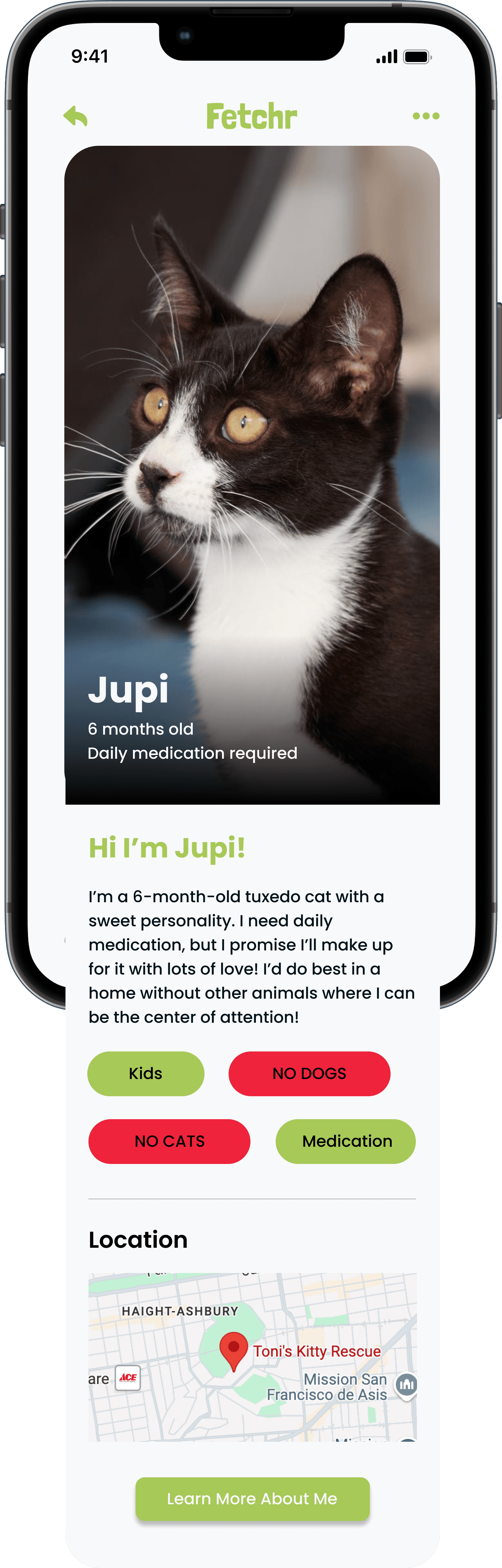
Some users expressed concerns about a lack of information on a pet profile and were not confident about committing to foster.
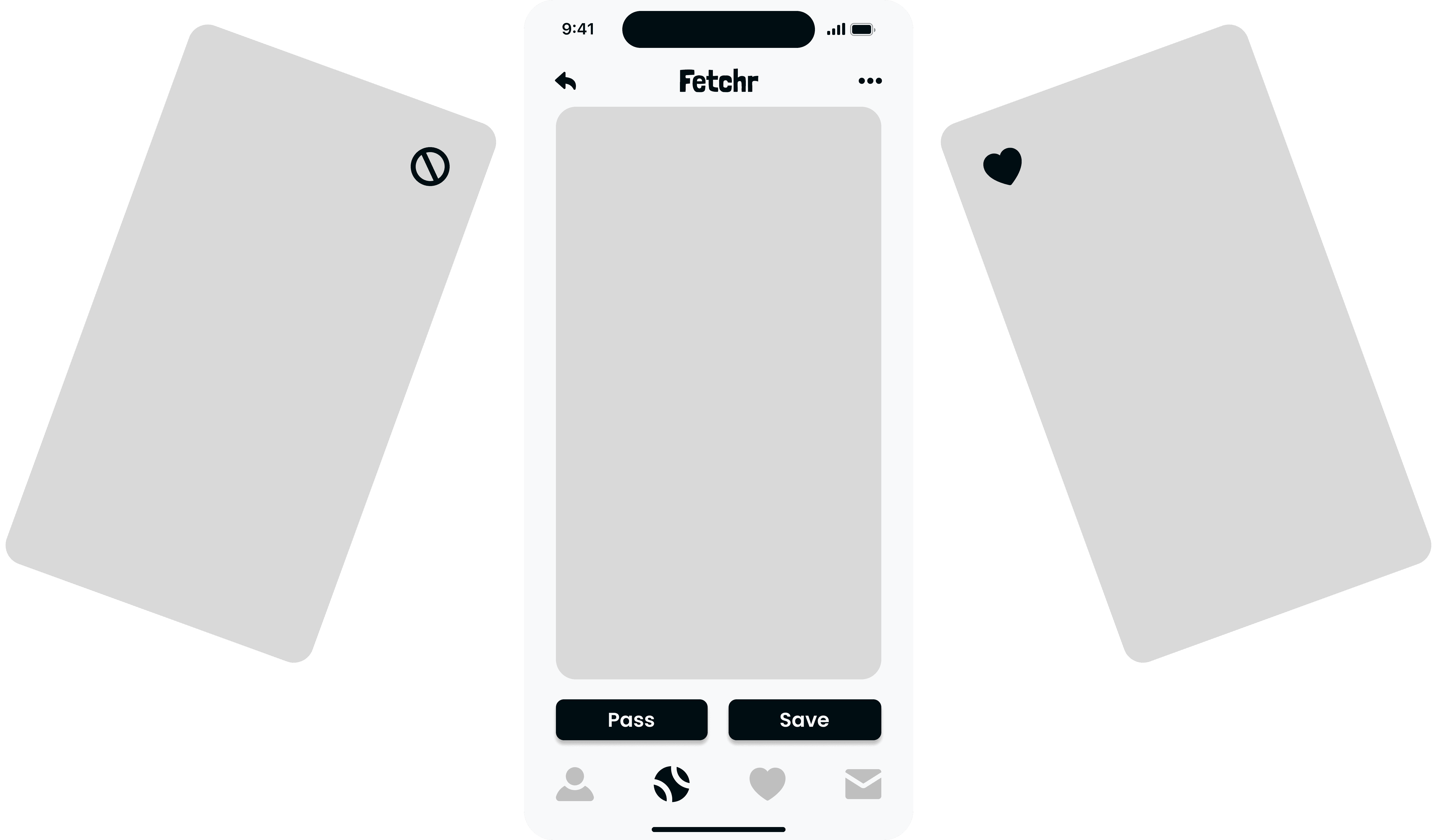
After the first round of user testing was completed, major improvements were made to the structure of the app.
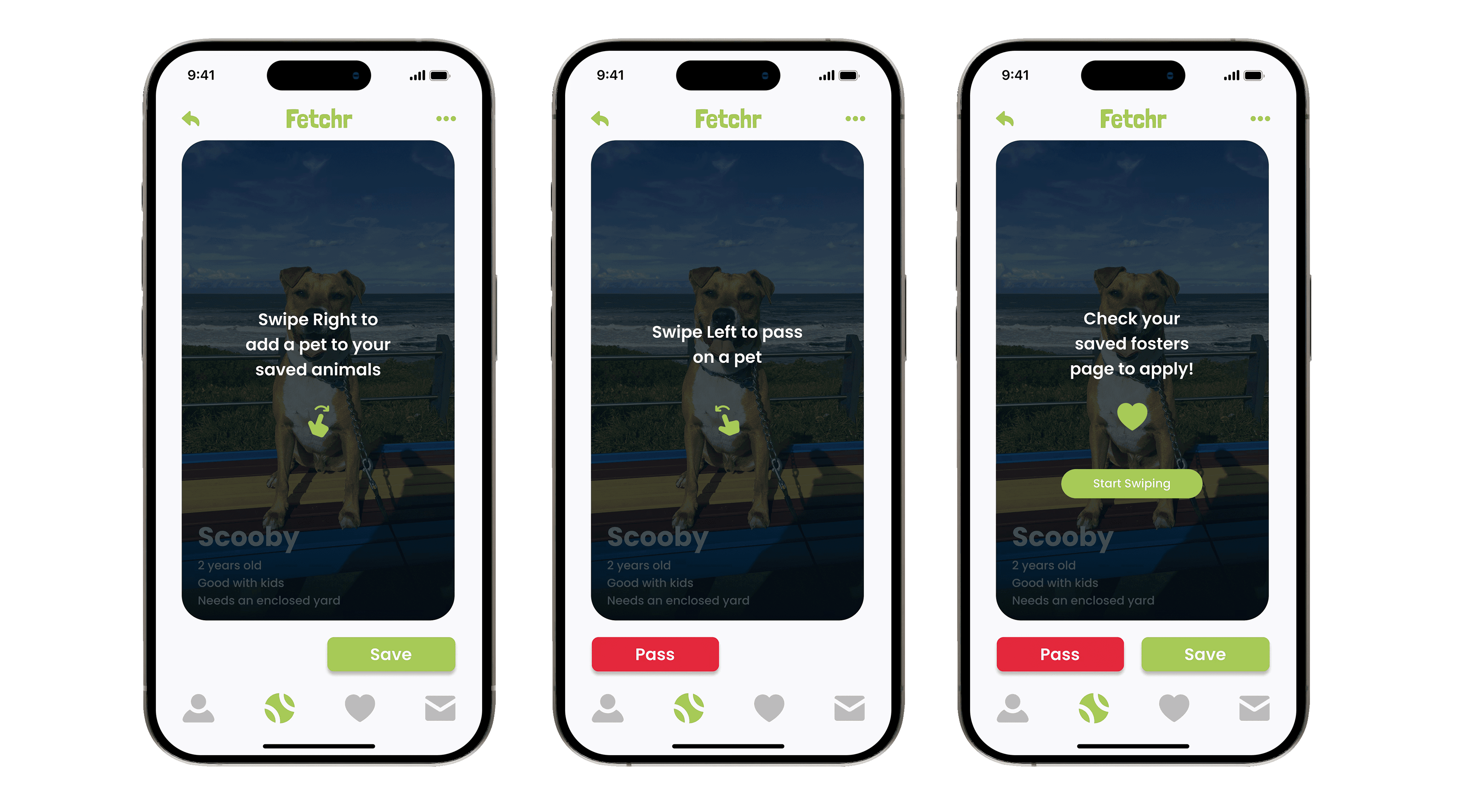
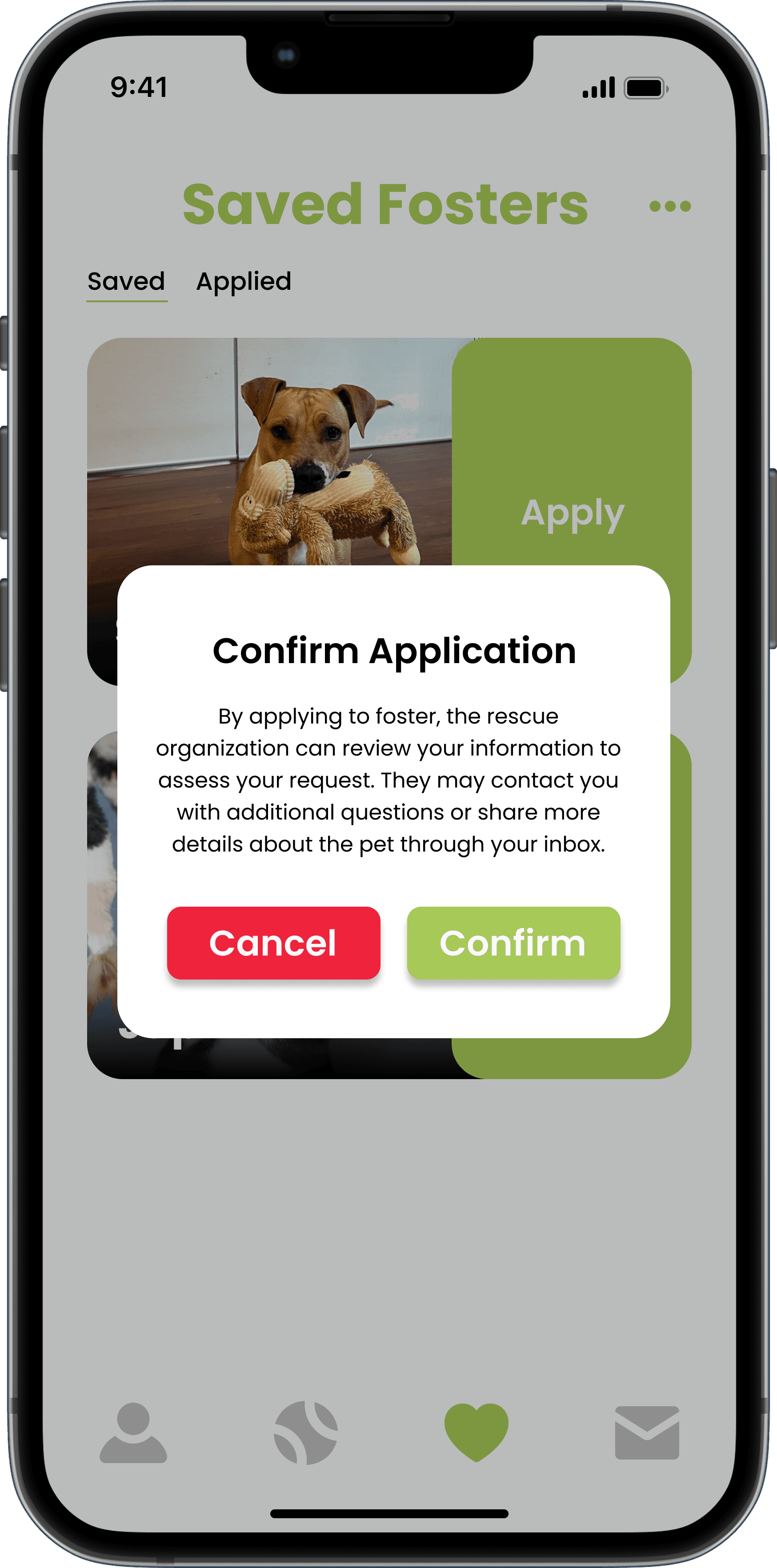
The browsing experience was redesigned into a swipe based format, allowing users to move through available animals one at a time. Animals swiped right are saved to a separate list where users can review their picks and commit to fostering at their own pace.
New User Flow
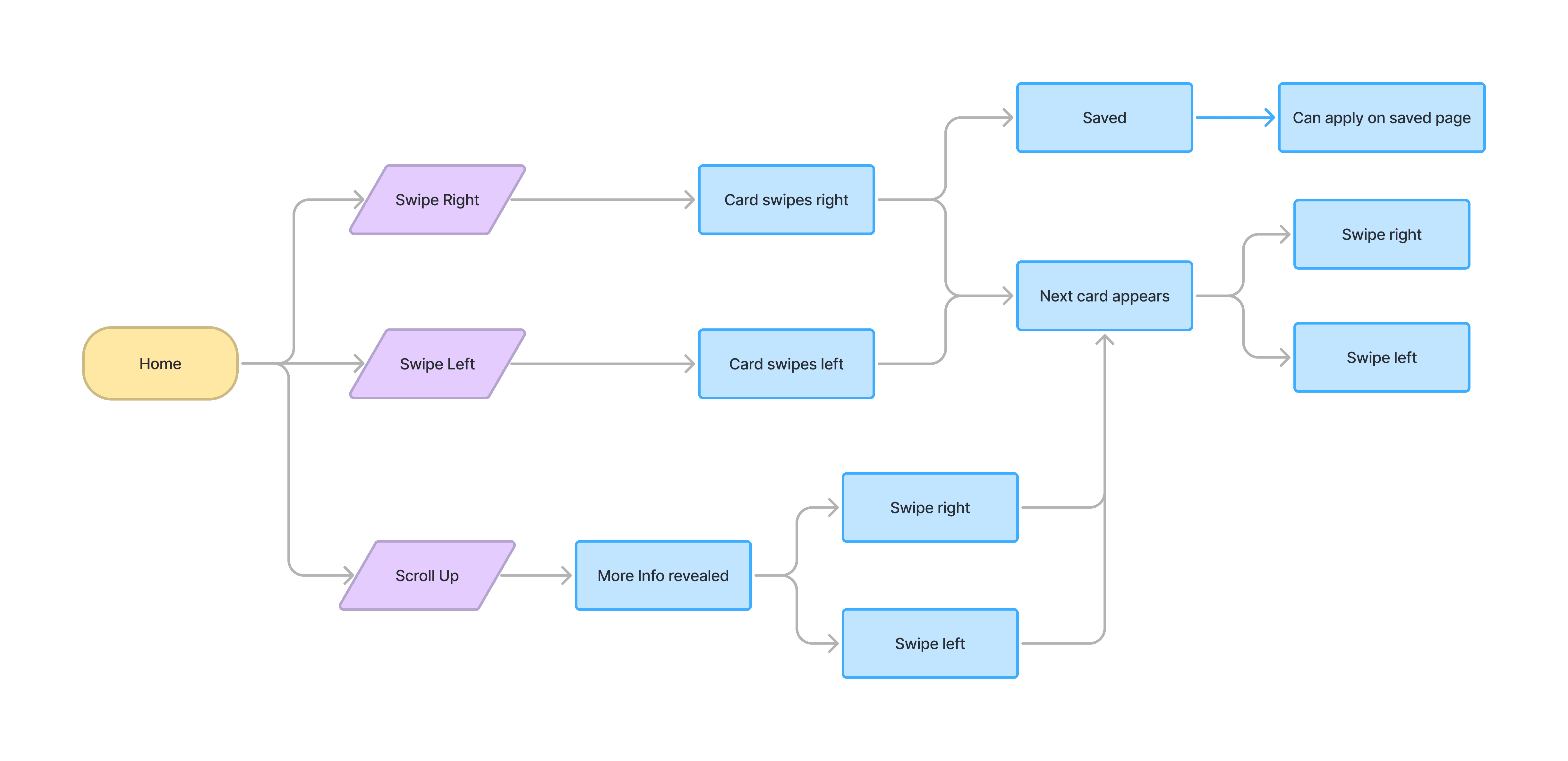
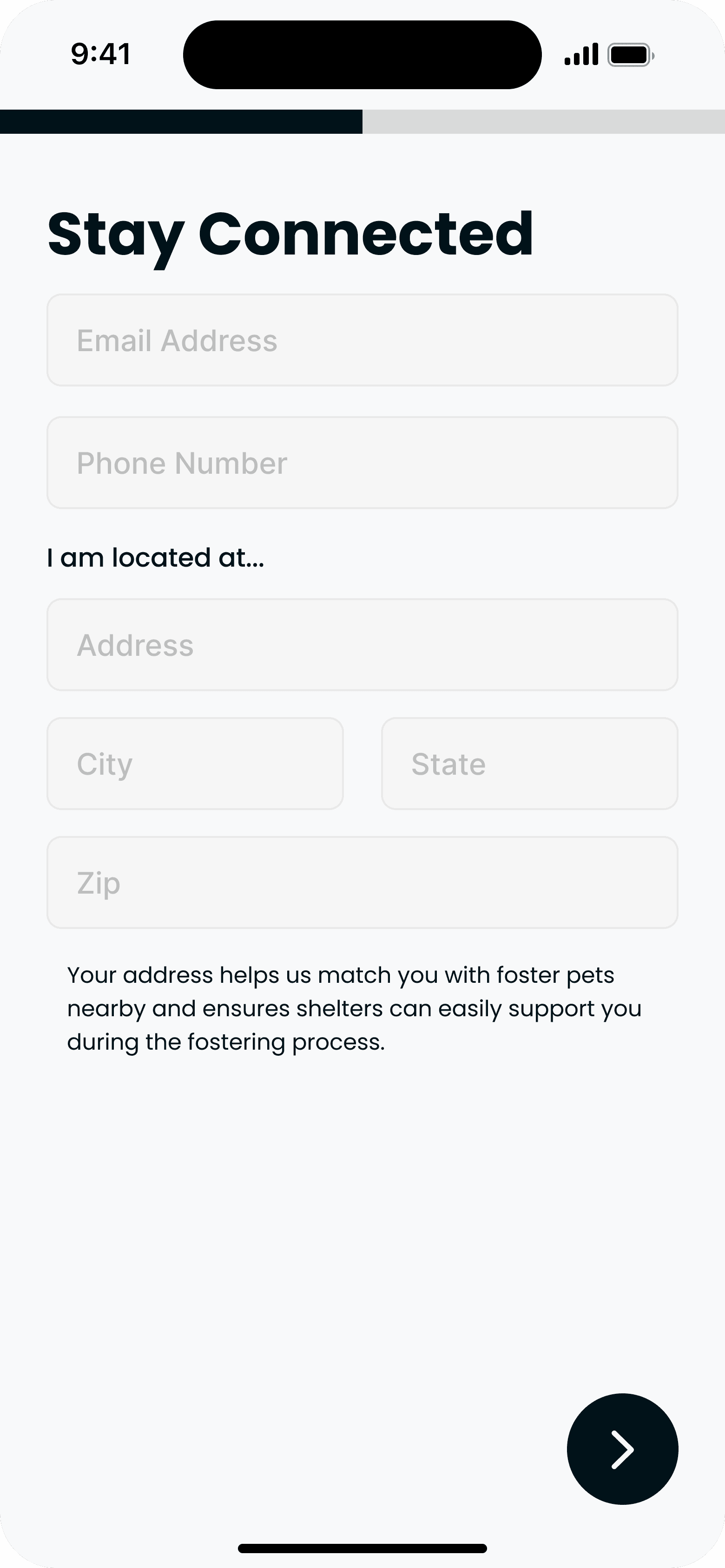
A structured sign up flow was introduced with a brief tutorial at the end, giving users the context they needed to navigate the app and understand the fostering process before they started browsing.
Design System
04
Typography
Color Palette
The Fetchr color pallete is centered around a bright green, inspired by the tennis ball icon in the app.
Hex: #A7C957
RGB: 167, 201, 87
Hex: #F8F9FA
RGB: 248, 249, 250
Hex: #001219
RGB: 0, 18, 25
Hex: #EF233C
RGB: 239, 35, 60
Hex: #FCBF49
RGB: 252, 191, 73
Hex: #001219
RGB: 0, 18, 25
Logo


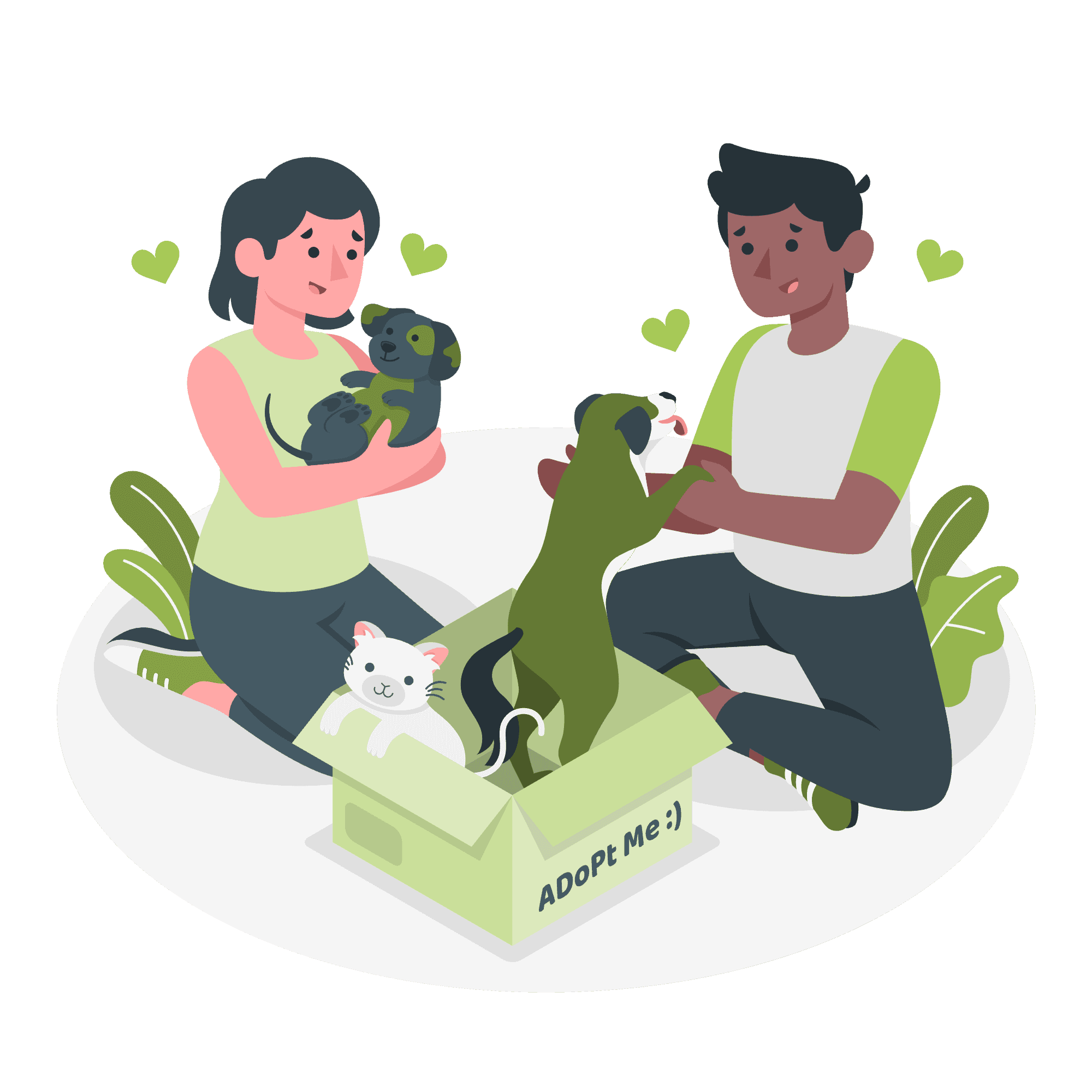
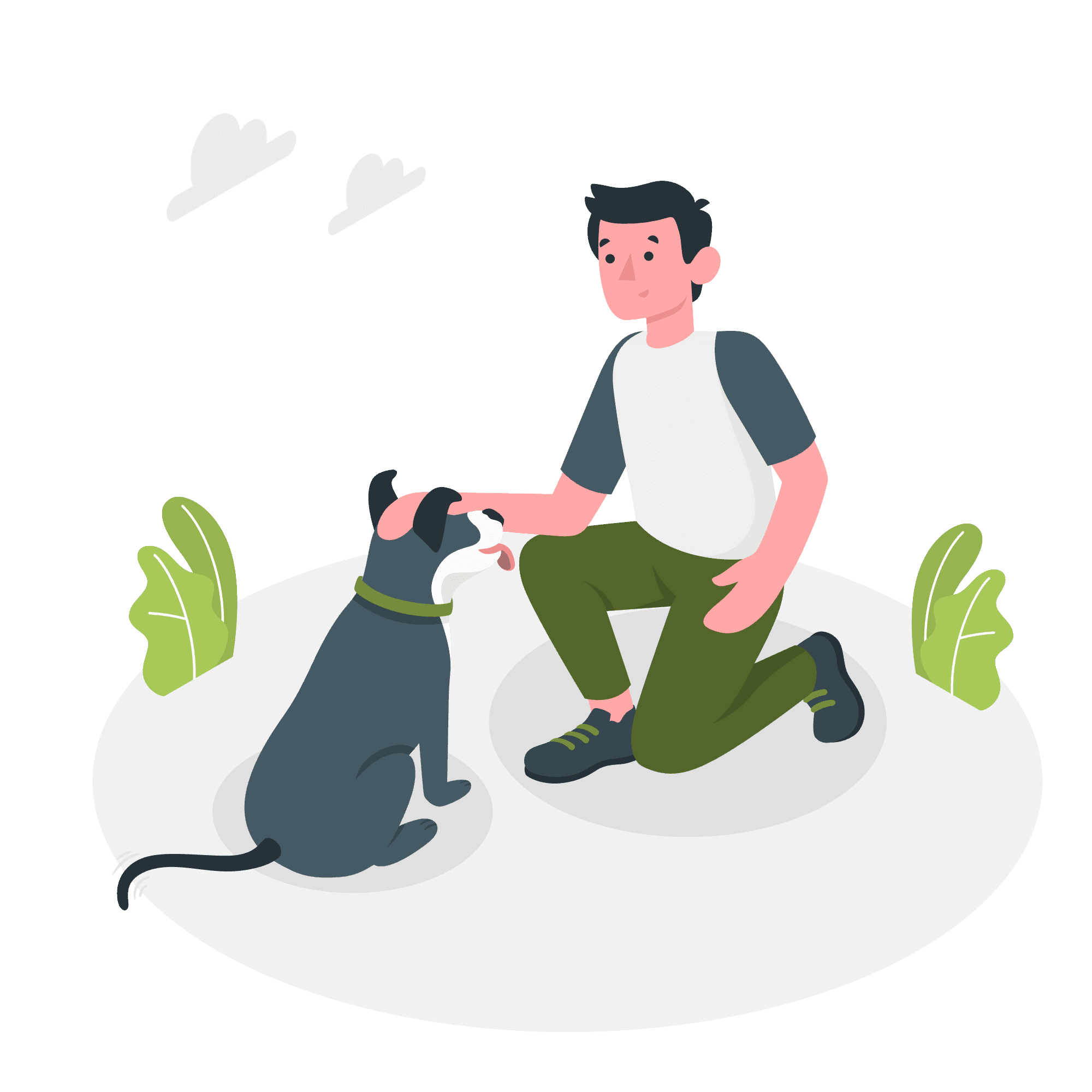
Illustrations & Iconography

Refining the Design
05
Mockups
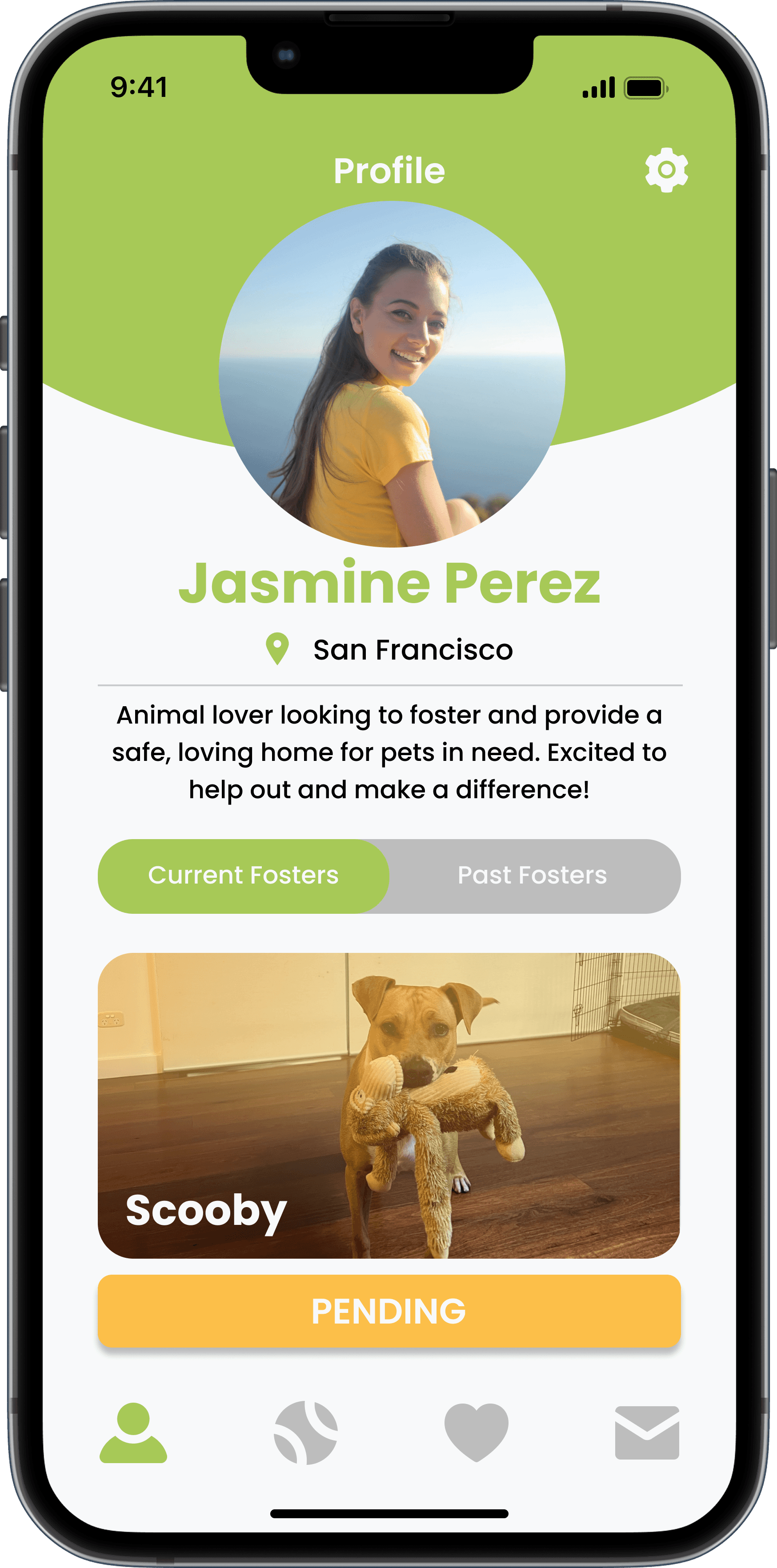
High-Fidelity Prototype
The high fidelity prototype brings the full Fetchr experience together as a warm, approachable platform designed for users at any experience level with pets. The goal was to make the idea of fostering feel accessible and low pressure, guiding users from discovery to commitment in a way that feels natural rather than overwhelming.
Prototype
Going Forward
06
Takeaways
Impact
The final design achieved a clear and intentional flow through the fostering process. One participant shared: "I loved that I wasn't thrown into a commitment. The steps made it feel like I had time to think, which made me feel more confident." This validated the original goal of the app; to lower the barrier for users who are new to fostering or pet ownership.
What I Learned
This project was a valuable challenge in taking an existing process and redesigning it to reach a broader audience. Drawing on familiar app structures, such as the swipe based browsing pattern common in dating apps, helped ground the experience in something users already understood, making the learning curve feel minimal. It was a reminder that good UX often means borrowing from what already works and applying it in a new context.